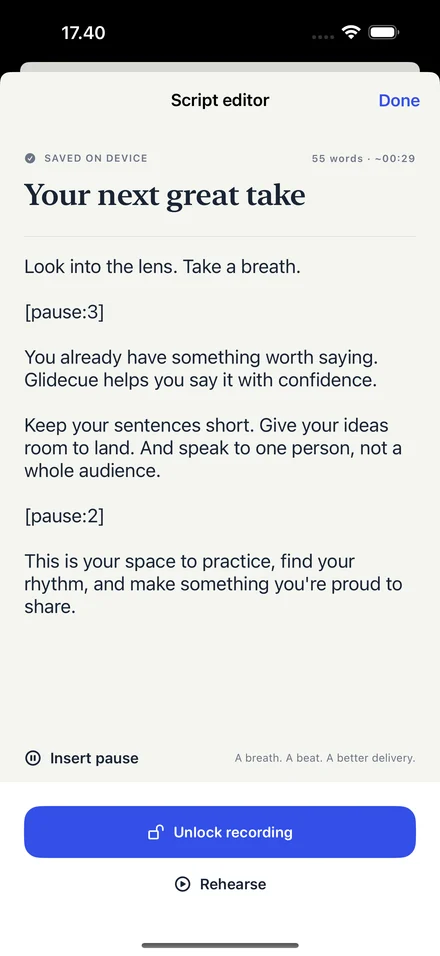
Start with your words.
Choose New script, paste your talking points, or import a .txt file. Insert pause cues where you want a breath. Your changes save on the device as you go.
 Glidecue
Four steps from what you want to say to a video you’re ready to share.
Choose New script, paste your talking points, or import a .txt file. Insert pause cues where you want a breath. Your changes save on the device as you go.
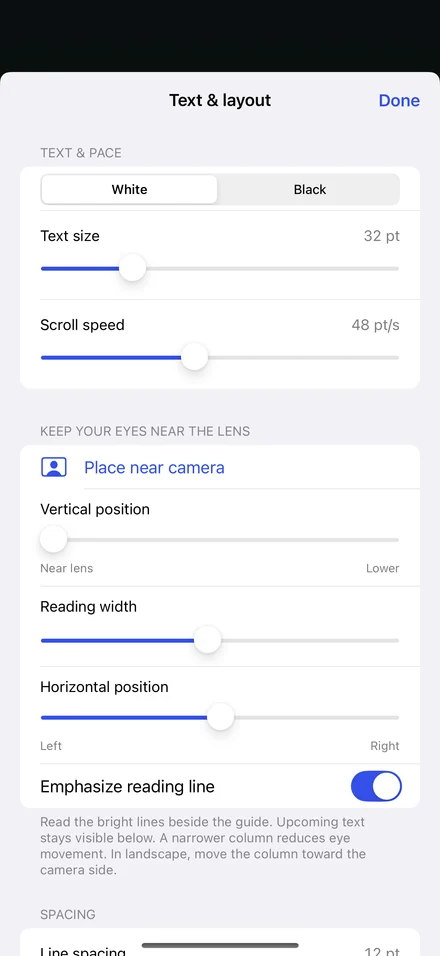
Open Text & layout. Start with Place near camera, then choose text size, reading width, scroll speed, and white or black text.
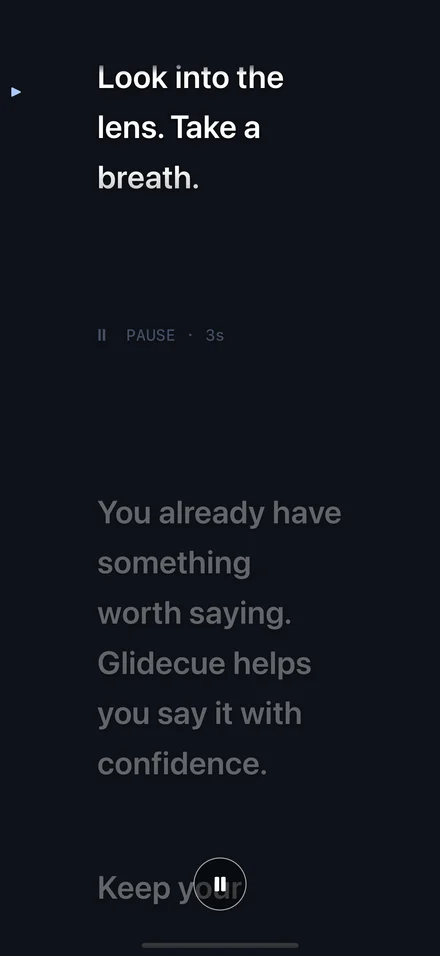
Choose Rehearse. Turn on Show camera preview if you want to check your framing. Try the opening aloud and adjust your pace. Rehearsal is unlimited and free.
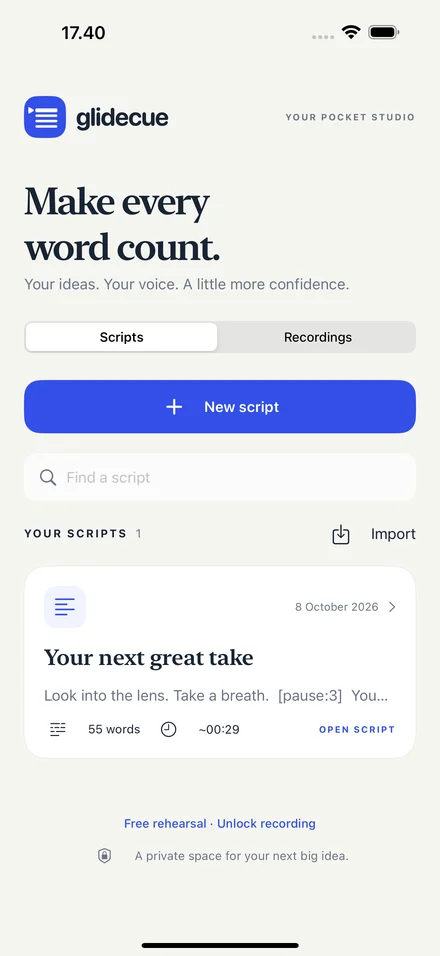
Unlock recording with Glidecue Pro, allow camera and microphone access, and record. Finish to save, review, and export through the iOS share sheet.
Unlimited rehearsal. One purchase to record.
A little more confidence in front of the camera.